-
100% GST Compliant Software
“Shree Sava” is fully compliant with India's GST regime. All GST billing and returns can be generated directly from the software.
-
E-Invoice, E-Way Bill & GSTIN Search in a Single Click
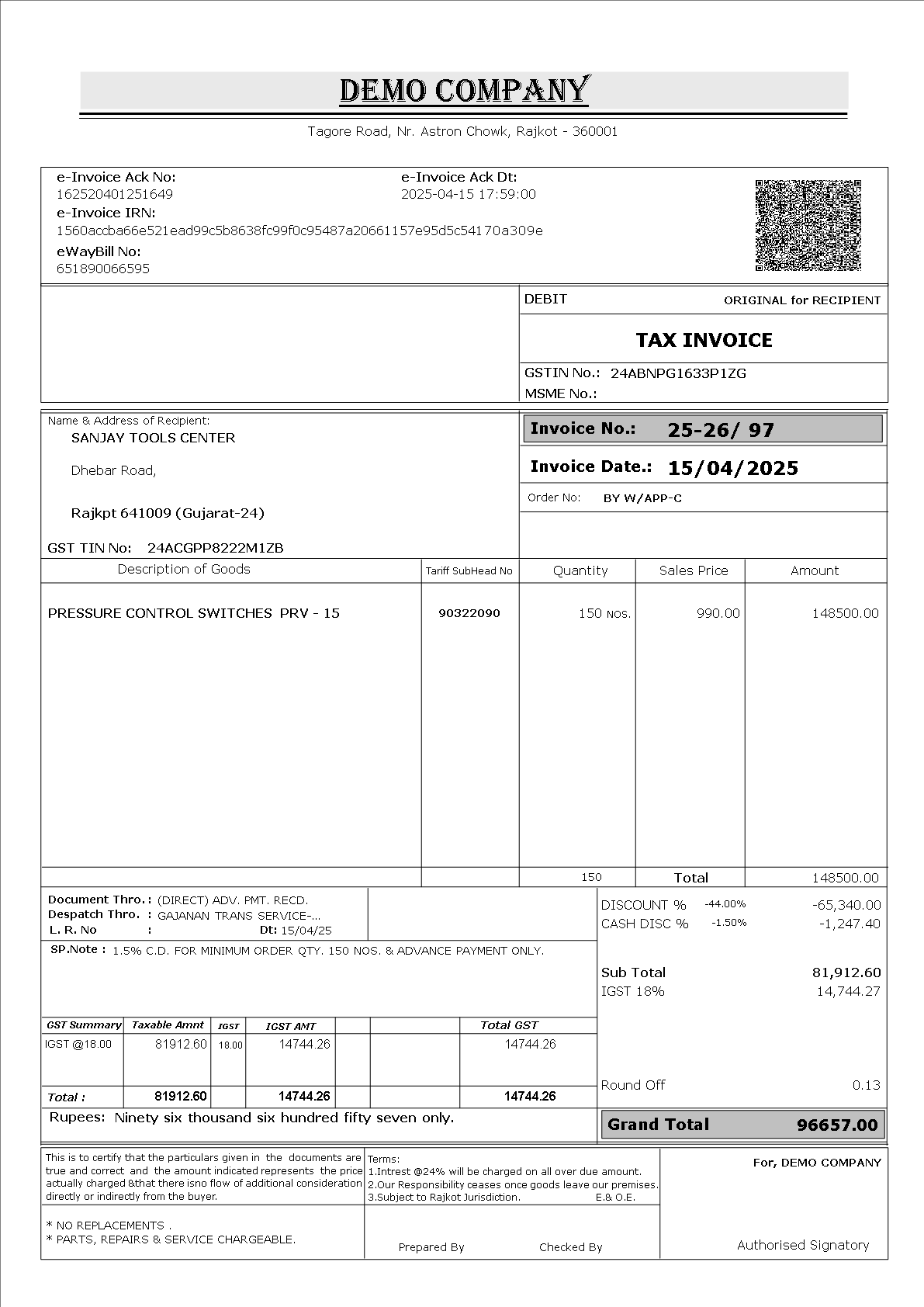
Generate E-Invoices and E-Way Bills directly from “Shree Sava” in a single click — no need to open separate GST or E-Invoice portals. “Shree Sava” communicates directly with the government server through an API call, uploads your data, and generates the E-Invoice or E-Way Bill automatically. You Can bulk upload Einvoice.
-
Search Taxpayer with GST Number
Enter a client's GST number and instantly get all their details, including Name, Address, City and GST Registration Status.
-
Direct WhatsApp & Email Delivery in a Single Click
Invoices, ledgers, receipts and payment PDFs can be emailed or sent via WhatsApp to your customers in a single click. There's no need to manually attach files — “Shree Sava” handles it automatically.
-
Fully Customizable Grid-Based Reports
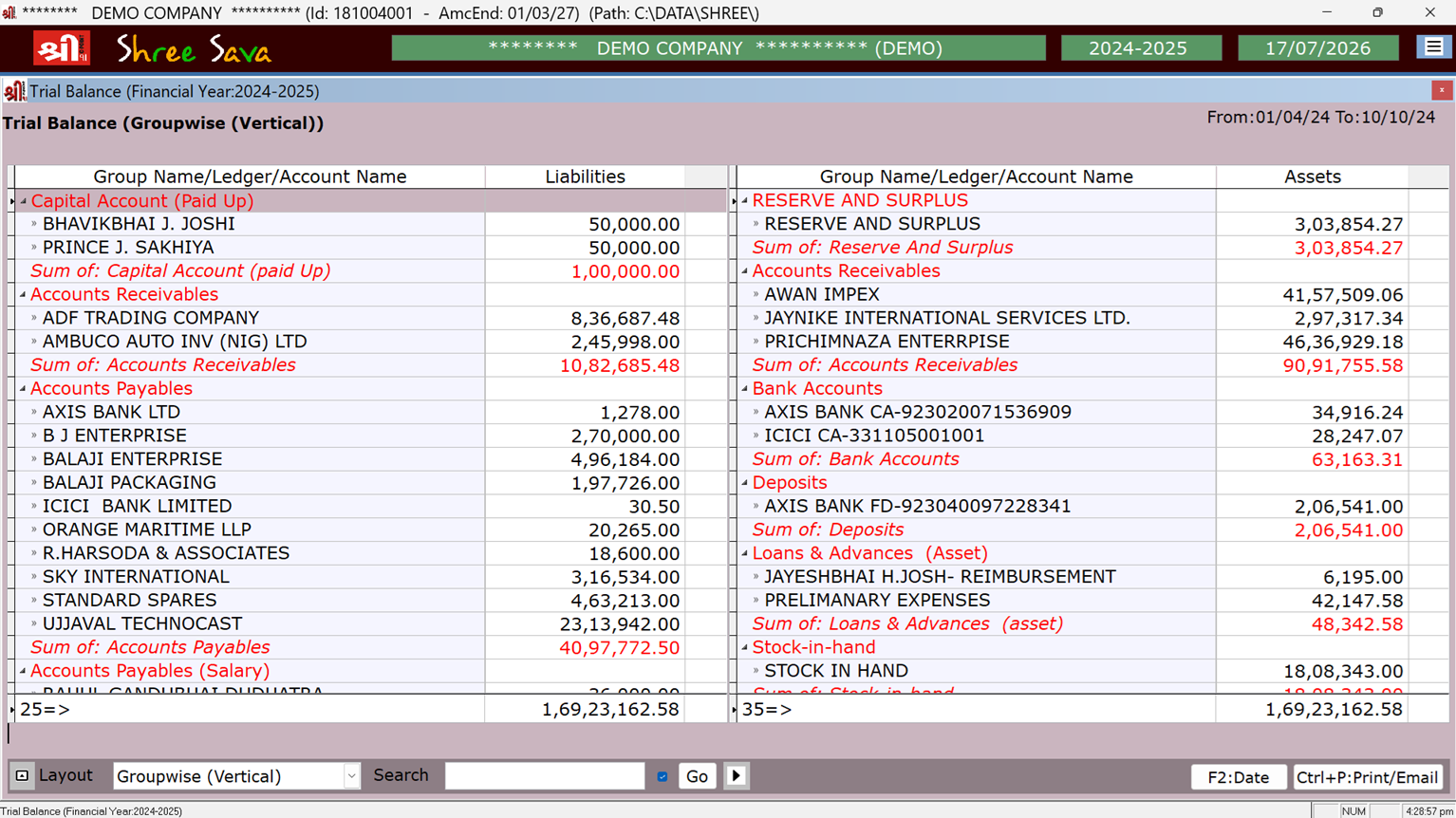
All reports are generated in an interactive row-and-column grid, letting you build and save your own custom layout. Reports can be exported to popular formats such as Excel, PDF, JPEG and Word. Annual Reports for Chartered accountant.
-
Smart Backup System with Google Drive Upload
“Shree Sava” includes a smart backup system that lets you back up to USB drives, HDDs, network locations, or even Google Drive. It creates restore points for different days and months, so you can always roll back to a secure copy of your data.
-
Compatible with All Modern Windows Operating Systems
“Shree Sava” runs on Windows 7, Windows 10, Windows 11 and Windows Server 2019, keeping pace with the latest operating systems as older DOS-based software falls out of support.
-
Fast, Reliable Performance
New Window base “Shree Sava” gives you fast performance and quicker report generation compared to any DOS-based or other Windows-based accounting software.
-
Easy Operating & Intuitive Menu System
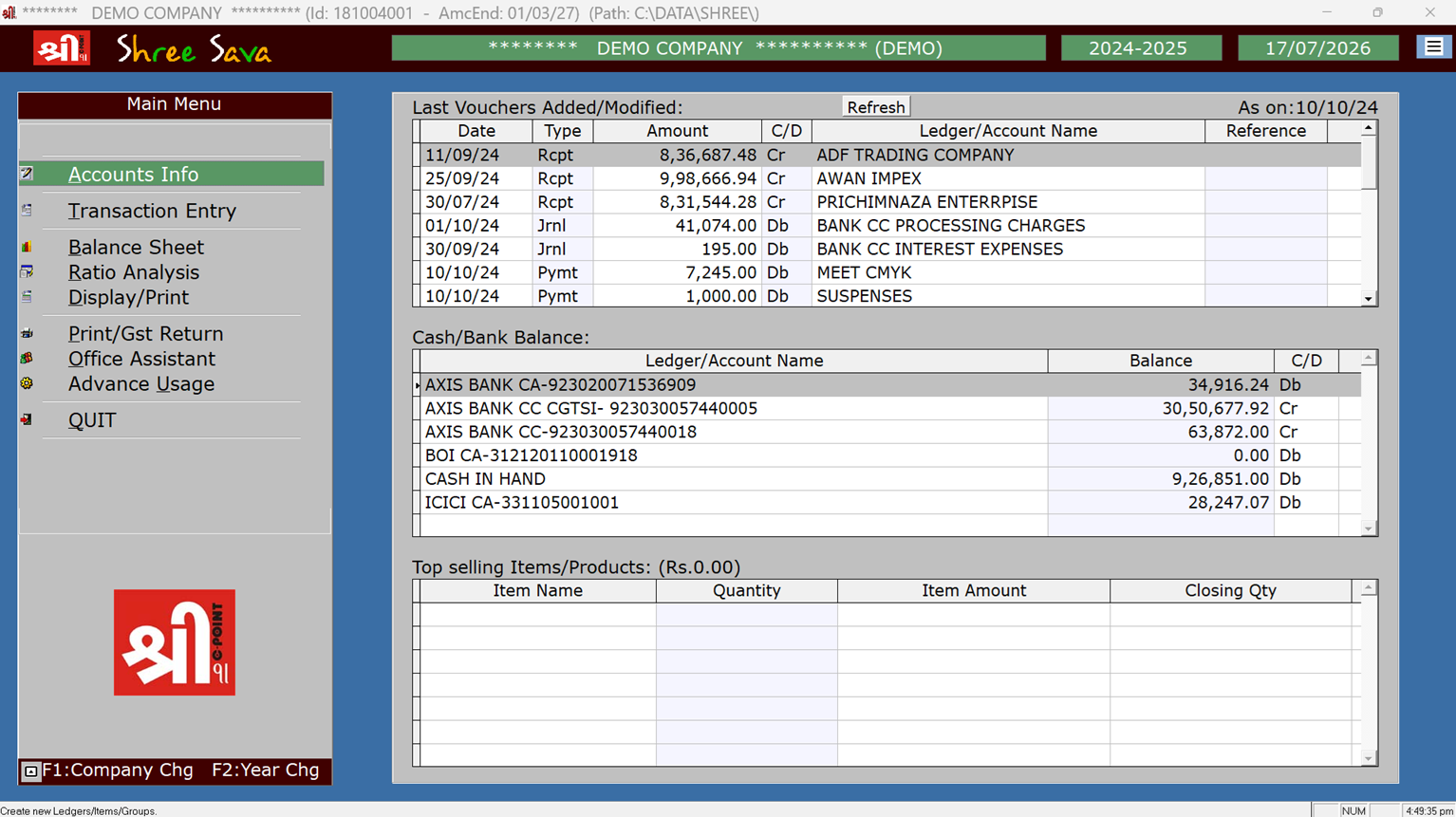
“Shree Sava” keeps the familiar, easy-to-use menu system you already know, so you don't have to relearn the software if you're moving from the DOS-based version.
-
Clean, Modern Graphical User Interface
Thoughtful use of fonts and colors gives “Shree Sava” clear visibility and enlarged menus, making full use of your screen's resolution compared to other Windows-based software.
-
Customizable Invoice & Report Layouts
“Shree Sava” supports graphical report output, so your company logo or letterhead can be added to invoices, orders, challans and receipts. It also supports pre-printed stationery and custom fonts for user reports. Digital Signature can also be added to Invoice
-
Multiple Users & Customized User Rights
“Shree Sava” supports multiple users with customizable access rights. Create categories such as supervisor, user and data-entry operator, each with their own permissions and password.
-
Serial Number / Batch Number Tracking
“Shree Sava” supports serial or batch number tracking for chosen items, with a full item ledger to match. Multiple Barcode for Single item also supported.
-
Party-wise & Item-wise Price Lists
Maintain item price lists by party, with group-wise pricing effective across custom date ranges.
-
Monthly Sales & Purchase, TDS Summary Reports
Get detailed monthly, sales- and purchase-head-wise summaries to simplify your GST, VAT and other duty calculations. You can manage TDS/TCS reports also.
-
Online Cheque Printing
Print cheques directly from your payment entries on a laser printer.
-
Fast, Useful Search in Party & Item Ledgers
“Shree Sava” includes optimized search for Party and Item Ledgers, along with the ability to copy an existing ledger entry.
-
SMS Facility
Send automatic SMS notifications after sales, receipt or challan entries, and use SMS reminders for outstanding payments.
 Shree Sava Accounting Software
 GST Ready
 E-Invoice Support
 Digital Accounting
 Google Backup
 Gst Erp Version Featurs: